




March 17, 2026
What’s new: Square, Adyen, and Mercado Pago are now available in beta!
We’re expanding the payment options available in the App Store with the beta release of Square, Adyen, and Mercado Pago.
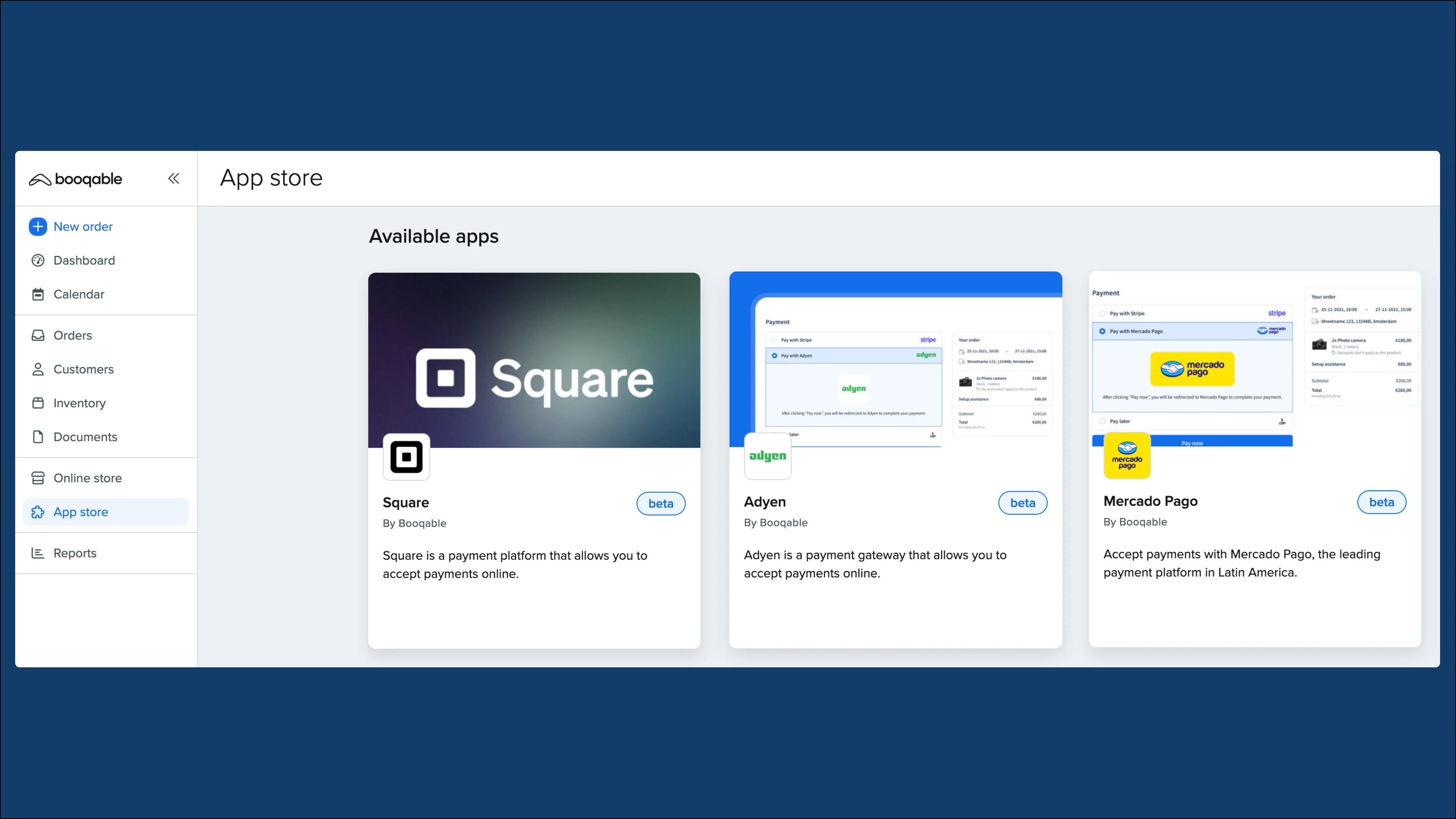
Now you have more flexibility to accept payments depending on your region and preferred provider.
Key features:
Square
-
Accept payments securely through the online checkout via Square.
-
Process refunds for Square transactions directly from the Booqable order page.
Adyen
-
Accept payments securely through the online checkout via Adyen.
-
Process refunds for Adyen transactions directly through the Booqable back-end.
-
Pre-authorize and capture customer cards to ensure protection for incoming bookings.
Mercado Pago
-
Accept payments securely through the online checkout via Mercado Pago using local payment methods.
-
Process refunds for Mercado Pago transactions directly on the Booqable order page.
How to install the new payment apps
-
All the new payment apps can be installed by navigating to the App store.
-
Select the payment provider you would want to connect and click Install app.
-
Once it is installed, you can use our guides on how to connect your Square, Adyen, or Mercado Pago account to accept payments in your online store.
Make sure to give us your feedback!
If you try any of the new payment apps, make sure to send us your feedback through our support channels so we can continue improving these new features.