
Design freedom, meet rental bookings
-
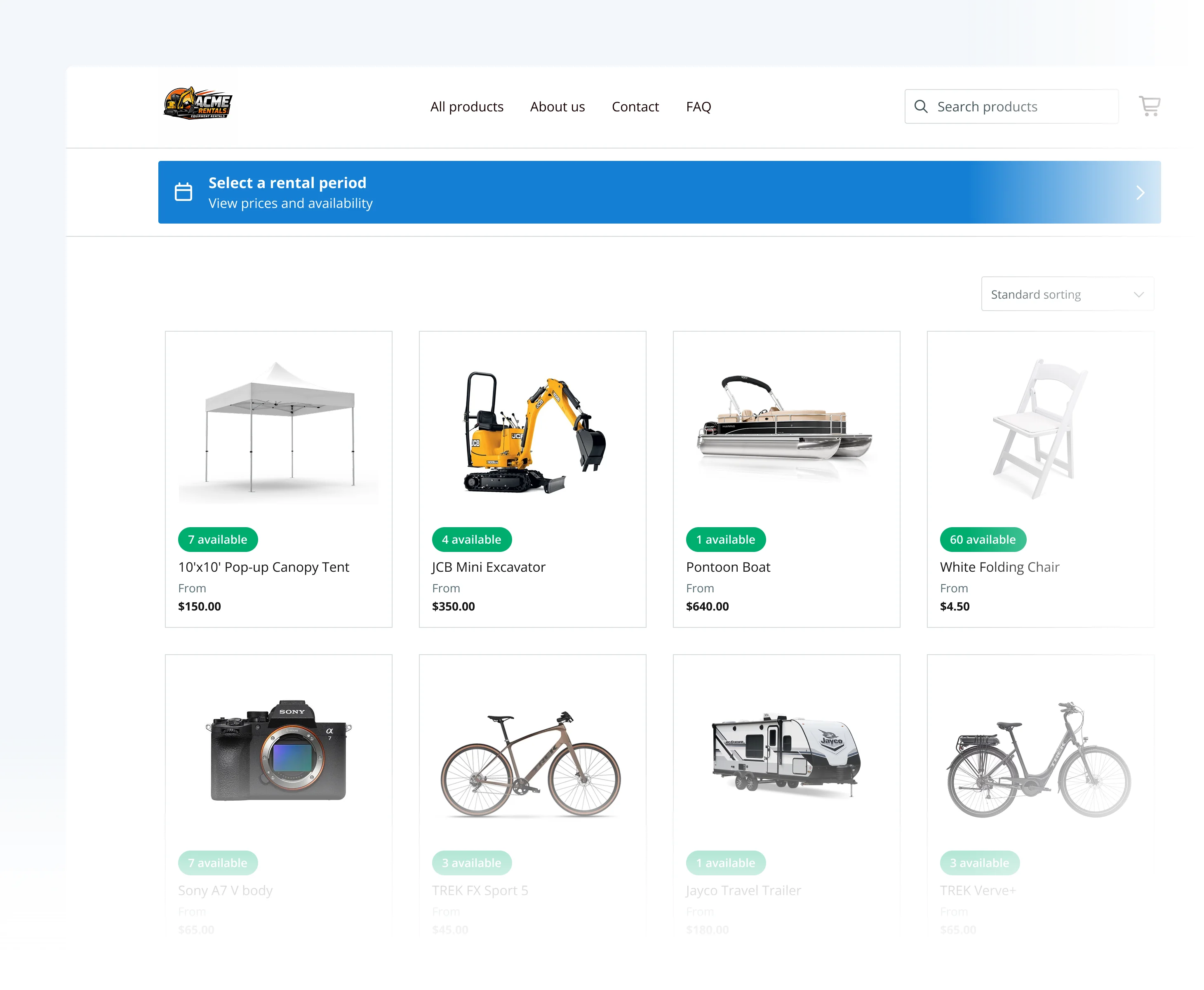
Embed element. Drop booking components into any page.
-
24/7 bookings. Let customers book and pay instantly online.
-
Live availability. Automatically prevent double bookings.
- Free 14-day trial
- No credit card required
Trusted by 8,500+ rental businesses worldwide















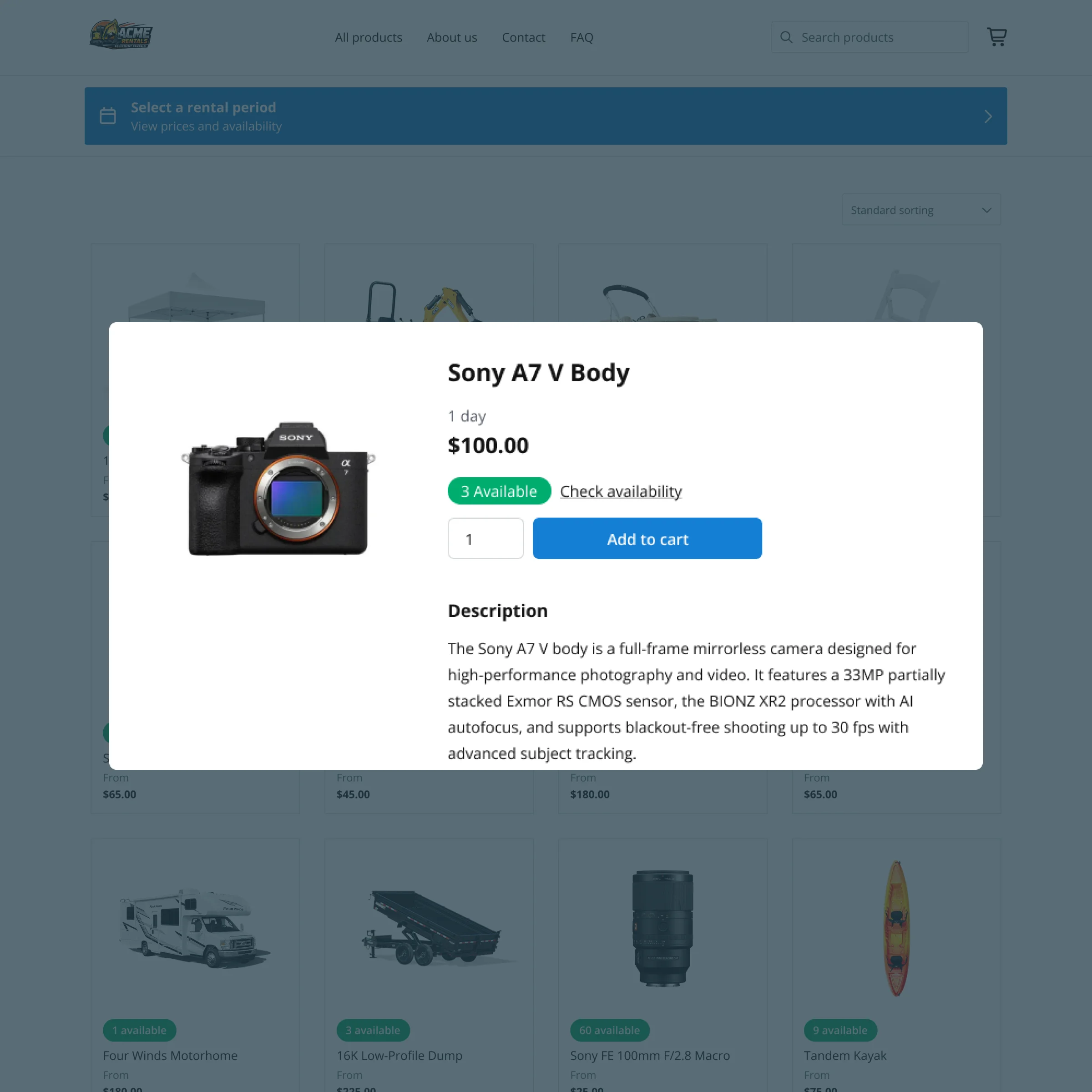
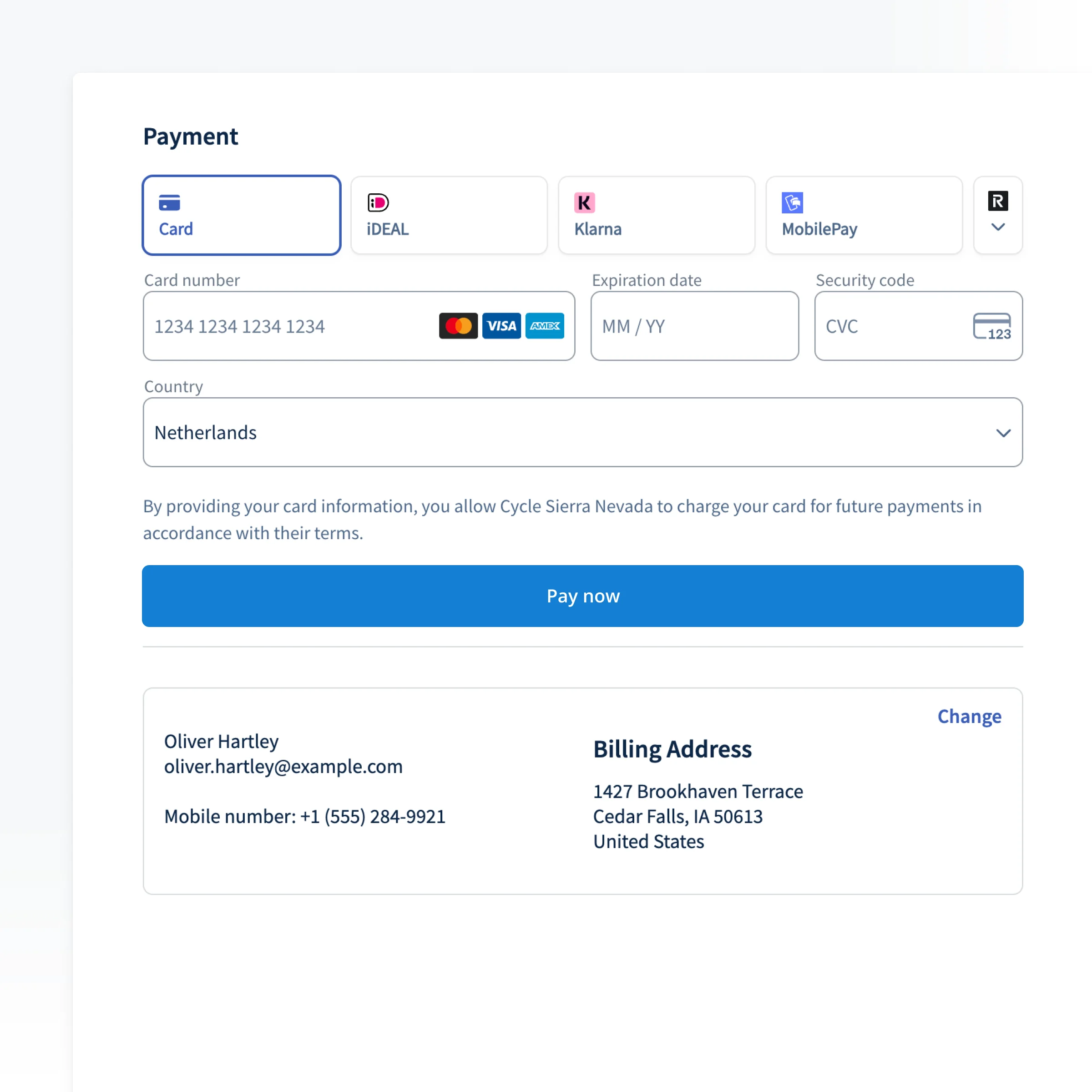
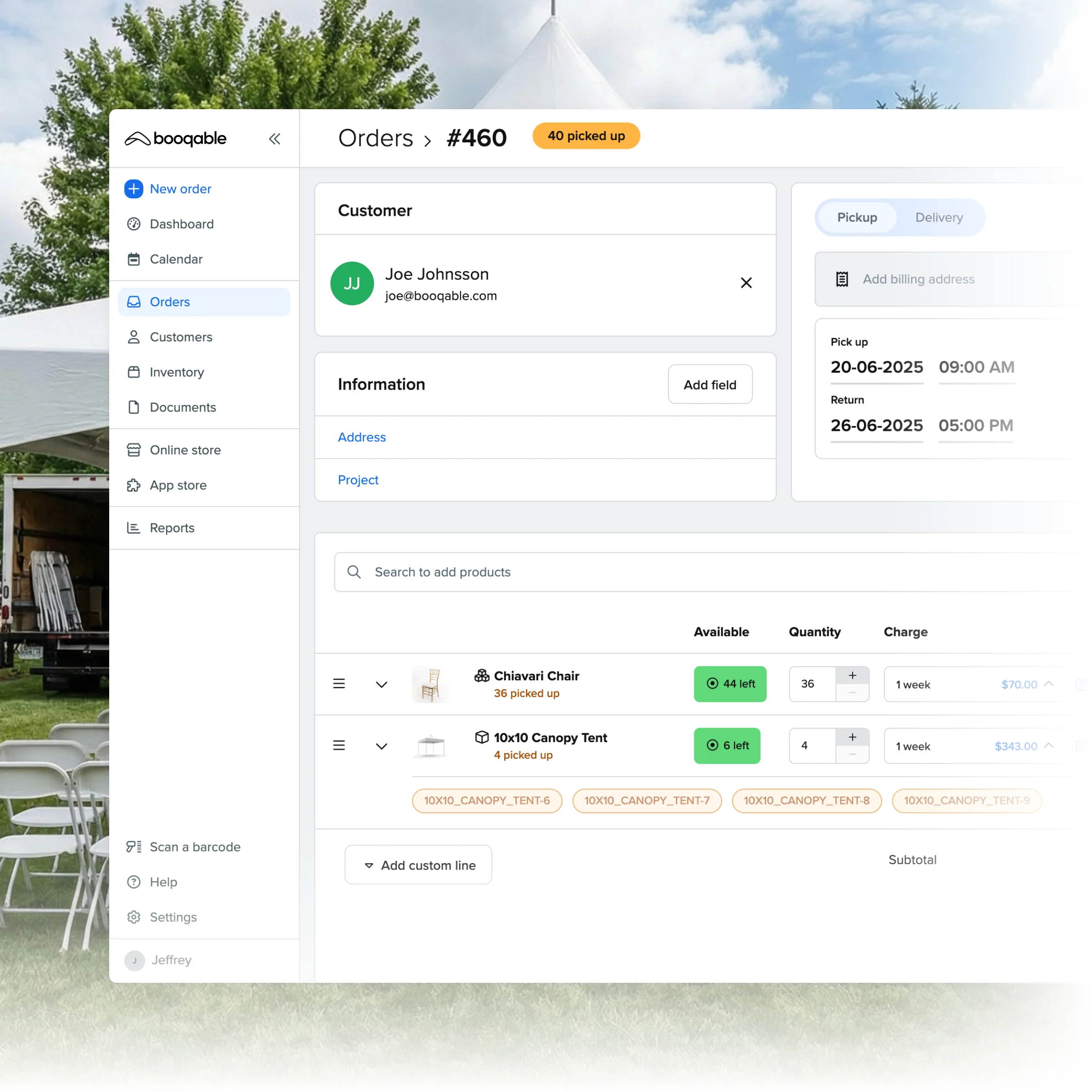
Built for Webflow's custom code and design flexibility
Use Webflow's Embed element to place Booqable's components exactly where you want them, styled with your own CSS. No new page, no compromise on the design you built.
Start renting on Webflow in 3 simple steps
Build your catalog
Add your inventory to Booqable and set your rules for pricing, rental periods, and real-time product availability.
Add Booqable's code to your Webflow page
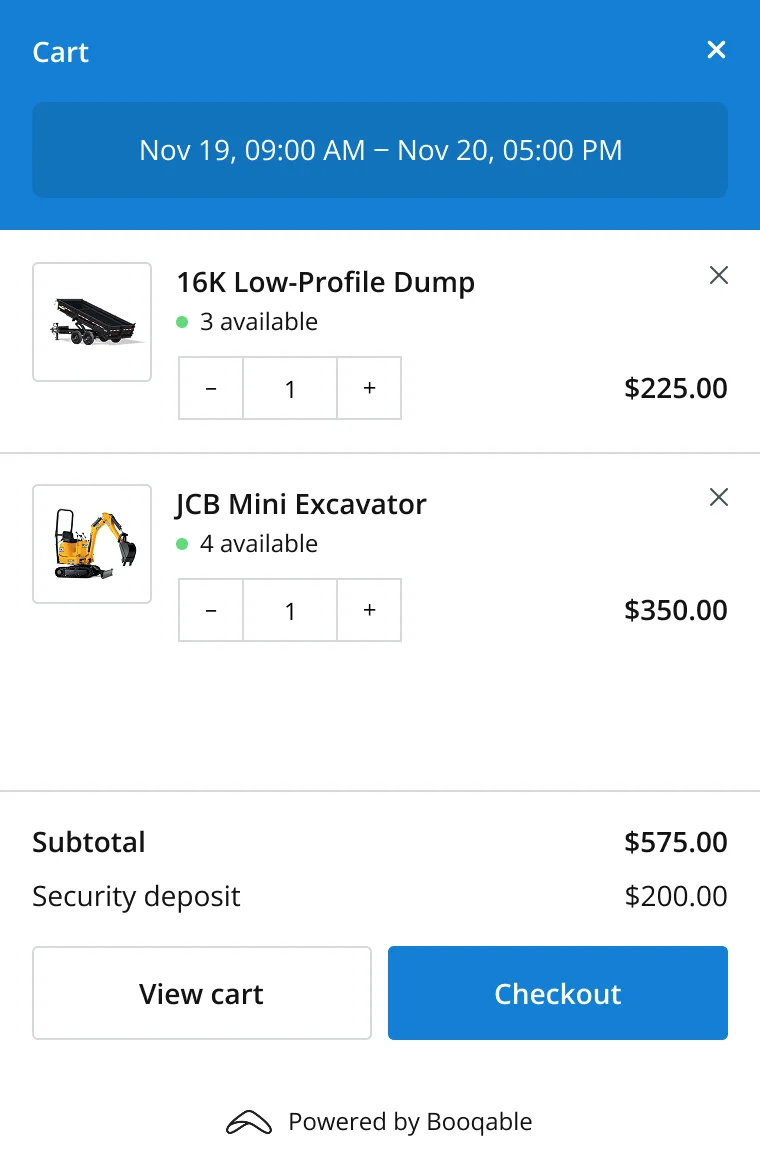
Copy the Booqable embed code and paste it into a Webflow Embed element, anywhere on your layout. Rental buttons, a date picker, and a live cart appear instantly, styled to match your site.
Get your first bookings
Let customers book 24/7 and use the Booqable dashboard to manage bookings, generate documents, and manage stock.
WEBFLOW RENTAL FEATURES
A complete rental storefront, right out of the box
Everything you need to rent out equipment on Webflow.
Pixel-Perfect Embed
Drop booking components anywhere in your layout using Webflow's Embed element.
Mobile-Optimized
Responsive design that looks perfect on all devices and screen sizes.
Online Booking
A smooth rental experience that’s connected to your Booqable back-office.
Real-Time Updates
Instant updates when you change descriptions, pricing, and stock levels.
Rental Checkout
Custom fields and layout options to match your unique rental operation.
Online Payments
Payment integrations with options for down payments and “Pay Later”.
FAQ
Frequently Asked Questions
Try Booqable for free
Get full access for 14 days and see how easy managing rentals can be.
- Free 14-day trial
- No credit card required